
When working planning is enabled, the system recognizes non-working days that are set under the company settings module. The system will schedule around these days to ensure your users aren't scheduled to work on the weekend!
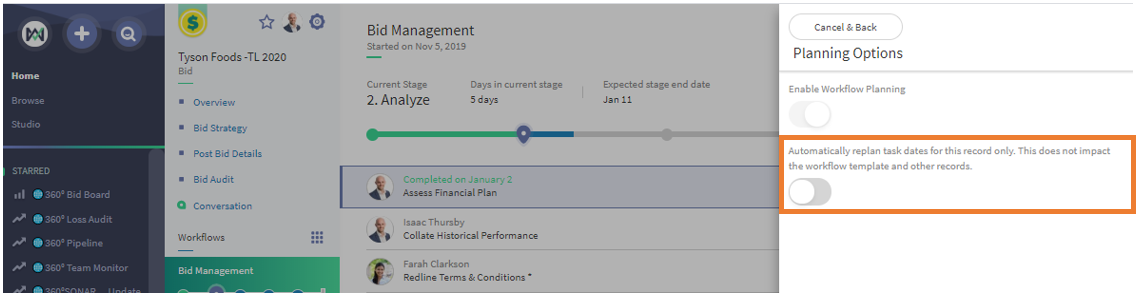
However, we recognize that some tasks may need to fall on a weekend to accommodate compressed timelines. Therefore, we've revamped the system to allow tasks to be assigned to non-working days when the Automatically Replan Task Dates option is disabled.
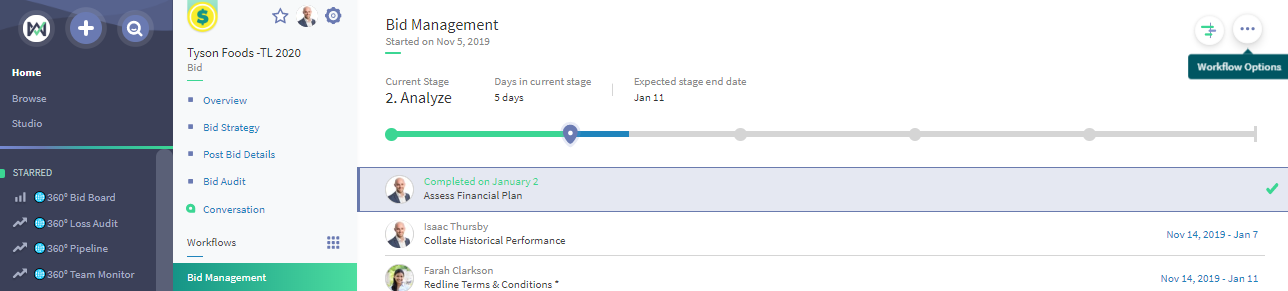
This setting is found on workflow templates that have Workflow Planning enabled, under the Workflow Options button and Planning Options Menu:

Comments
0 comments
Please sign in to leave a comment.